
INKLUNCH GLOBAL ACADEMY
Learn Skills.
Build Businesses.
Create Opportunities.
Build practical digital, creative and business skills through guided learning, hands-on projects and expert instruction.

Hybrid learning
- Self-paced lessons
- Live instructor-led sessions
Courses in
- Publishing
- Book design
- Video ads
- Web design
The academy
Practical education for the work you want to do next.
INKLUNCH GLOBAL ACADEMY teaches digital, creative and business skills through guided lessons and hands-on projects — so what you learn turns into something you can use, sell or build on.
More about the academyPractical education
Skills you can use straight away, not theory for its own sake.
Digital skills
Modern tools, including AI, applied to real tasks.
Creative development
Design, writing and video that sharpen your creative eye.
Business application
Every skill connected to how it earns, sells or serves.
Guided learning
Clear lessons and instructors who help you through.
Project-based experience
You learn by making things you can show others.
Featured courses
Start with our core courses
Four practical programmes that use AI tools to help you publish, design, market and build online.

KDP PublisherPro
The Complete AI-Powered Amazon KDP Publishing Programme
Learn how to research book opportunities, develop quality manuscripts, design professional book interiors and covers, publish through Amazon Kindle Direct Publishing, and understand the foundations of book marketing.

BookCraft Studio
AI-Powered Book Design & Professional Interior Formatting
Develop practical skills in book layout, interior formatting, typography, visual presentation, and AI-assisted publishing design workflows for professional digital and print books.

AdMotion AI
AI Video Advertising & Creative Production
Learn to plan, create, edit, and produce compelling video advertisements using modern AI-assisted creative tools and practical advertising production workflows.
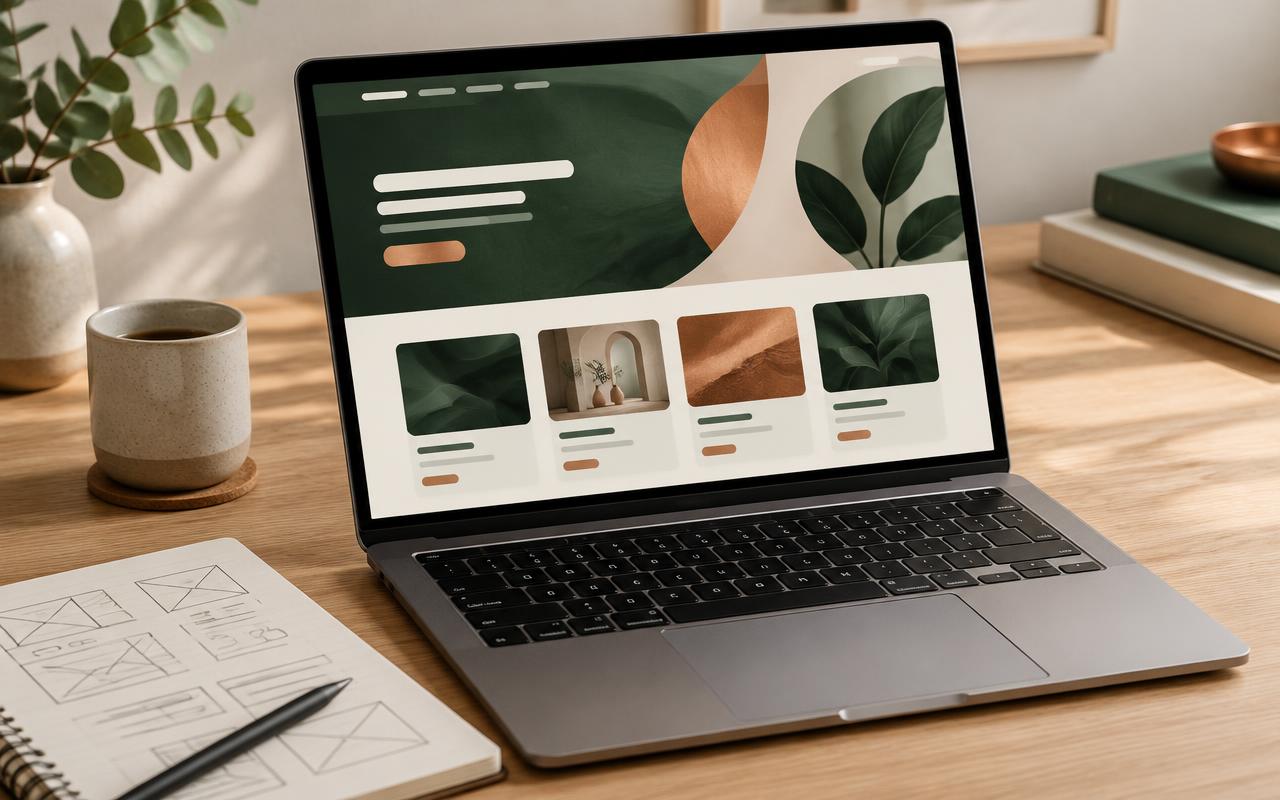
WebLaunch Studio
AI Website Design & Development with Lovable
Learn how to plan, design, and build modern websites and digital platforms using Lovable and AI-assisted development workflows.
Why choose INKLUNCH
Six principles behind every course
- 01
Practical Learning
Lessons focus on doing: you practise each skill as you learn it.
- 02
Real-World Projects
Assignments mirror the work clients, customers and employers expect.
- 03
Guided Instruction
Instructors explain, demonstrate and help you past the hard parts.
- 04
Flexible Learning
Study self-paced lessons around your schedule, wherever you are.
- 05
Business Application
See how each skill becomes a product, a service or an income.
- 06
Continuous Development
Keep building on what you know as tools and opportunities change.
How learning works
Four steps from first lesson to finished work
Step 01
Choose Your Course
Pick the skill you want to build and enrol in its programme.
Step 02
Learn and Practise
Work through lessons and short exercises that build confidence step by step.
Step 03
Complete Practical Projects
Apply what you have learned to projects with instructor feedback.
Step 04
Build Your Portfolio
Leave with finished work you can show to clients, customers or employers.
A hybrid learning model
Courses combine self-paced lessons you can follow at your own speed with instructor-led live sessions, so you get flexibility and real guidance in the same programme.
See the learning experienceSelf-paced lessons
Recorded lessons, readings and exercises you can complete whenever suits you.
Instructor-led live learning
Scheduled live sessions to ask questions, see techniques demonstrated and get feedback.
The learning experience
Everything you need to learn, practise and finish
Each course brings together lessons, live support and practical work in one place, so you always know what to do next.
Explore the learning experienceSelf-paced lessons
Structured video and written lessons you can pause, replay and return to.
Live cohort sessions
Learn alongside others in scheduled sessions led by an instructor.
Practical assignments
Short tasks after key lessons so you practise each skill properly.
Progress tracking
See which lessons and assignments you have finished in your student portal.
Instructor feedback
Get comments on submitted work so you know what to improve.
Project-based learning
Each course builds towards a finished project of your own.
Learning resources
Templates, checklists and reference material to keep after the course.
Student project showcase
Work made by our learners
This space will feature real projects from students, shared with their permission.
Published book
Amazon KDP Publishing with AI
Placeholder — student project to be added.
Cover and interior design
AI Book Design & Interior Formatting
Placeholder — student project to be added.
Video ad
AI Video Ads Creation
Placeholder — student project to be added.
Website
AI Website Design with Lovable
Placeholder — student project to be added.
Questions
Frequently asked questions
Can't find what you're looking for? Send us a message.
Contact the academyYour Next Skill Could Change What Comes Next.
Explore practical learning programmes designed to help you develop skills, create projects and pursue new opportunities.